Clip Studio
⚡ Built for Whop Content Rewards clippers

Turn any campaign into ready-to-post clips.

Paste a campaign link. Clip Studio reads the rules, picks the moments that hook, adds trending captions and AI voiceovers — and hands you TikToks & Shorts to post.

Sign in with your Whop account · no card needed to try
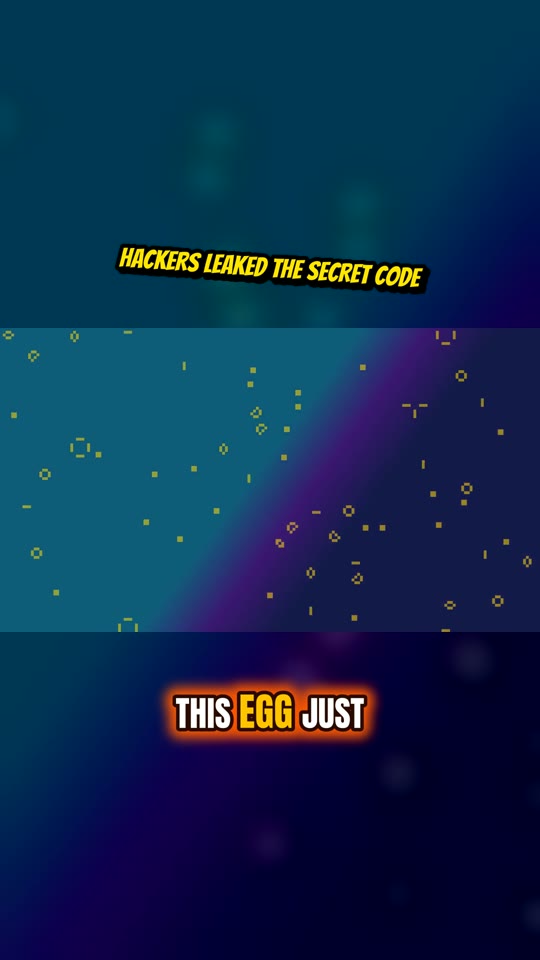
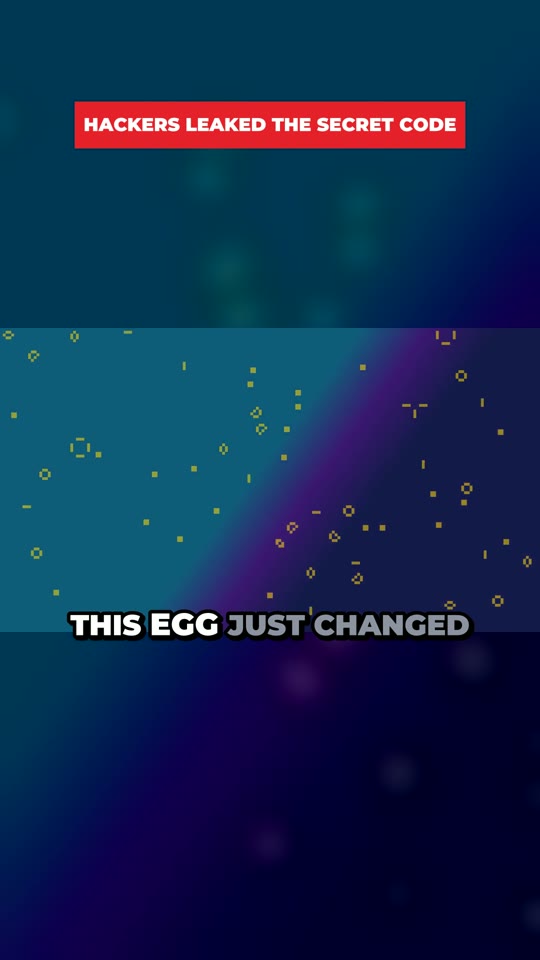
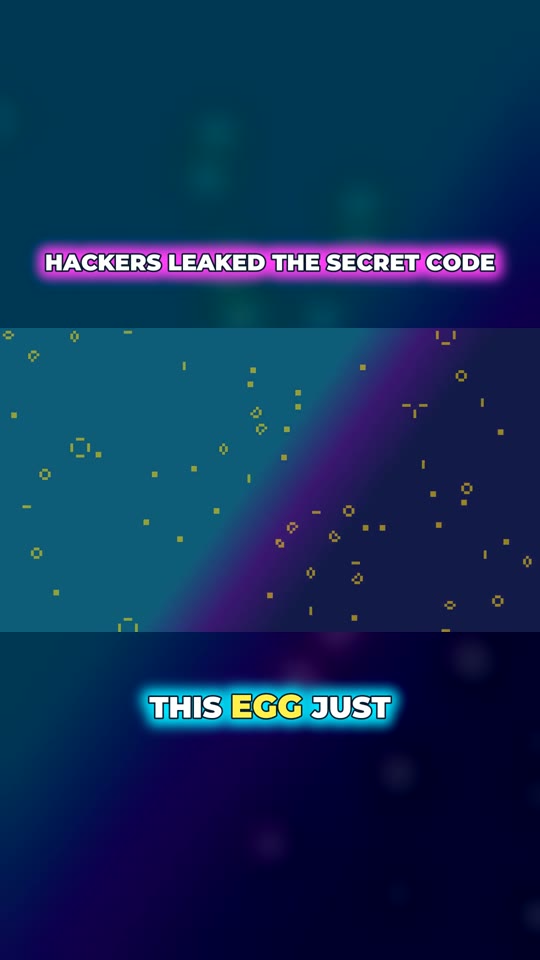
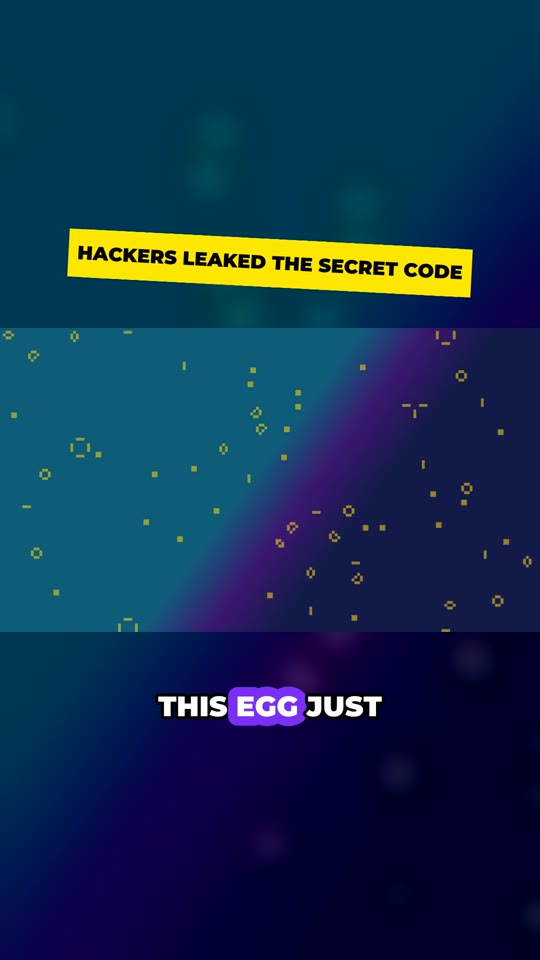
Clip with Beast captions
Clip with Hormozi captions
Clip with Fire captions
Export forTikTokYouTube ShortsInstagram Reels·1080×1920 · 30fps · captions burned in
How it works

From campaign to clips in three steps

No editing timeline. No scrubbing through footage.

1

Paste the campaign

Drop in the Content Rewards link. We read the rules, required tags, clip length and the footage folder — even from the campaign's Google Doc brief.

2

Pick your style

Choose caption and title styles, where they sit, and a voice. A live preview shows exactly how your clips will look.

3

Download & post

AI finds the best moments, writes hooks and captions, and renders vertical clips. Download them one by one or as a zip.

Features

Everything a clipper needs

📋

Reads the rules for you

Requirements, hashtags, codes, banned content and length limits go straight into how clips are picked and written.

🎯

AI picks the moments

Claude finds the punchlines, reveals and rare pulls that hook in the first two seconds — and explains why.

🎙

Voiceovers for gameplay

No talking in the footage? AI watches it, writes a script that follows the campaign, and voices it in one of 26 trending styles.

🔥

Trending captions

10 caption styles and 10 title styles — Hormozi, Beast, Karaoke, Neon, Fire and more — with 6 positions each.

📁

Drive folders & uploads

Point it at a campaign's Google Drive folder and it picks clips across every category. Or upload your own recording.

💸

Pay only for delivered clips

Tokens are held while a batch runs and only spent on clips you get. A failed batch costs nothing.

Styles

Captions that look like the clips that go viral

Every style is rendered by the same engine that makes your clips.

Pricing

Simple plans. One token = one clip.

Start with 3 free clips. Upgrade when you're ready.

A clip with an AI voiceover uses 2 tokens. Monthly tokens reset each billing period; top-up tokens never expire. Payments and cancellations are handled securely by Whop.

FAQ

Questions

Do I need editing skills?

No. You paste a campaign link (or your footage), choose a style, and download finished vertical clips with captions and titles already burned in.

Will the clips follow the campaign's rules?

Clip Studio reads the public campaign page and its brief and writes hooks, captions and voiceovers around those requirements. If some rules are members-only, paste them in. Always check each clip before posting — campaign owners approve submissions, not us.

Where does the footage come from?

From the links the campaign provides (Google Drive files and folders, YouTube) or a video you upload. Only use footage you're allowed to use for that campaign.

Does it post for me?

No — you post from your own accounts. Campaigns and platforms don't allow automated posting, and it protects your accounts.

What happens to unused tokens?

Monthly plan tokens reset at each renewal. Top-up tokens never expire. If a batch fails or makes fewer clips than you asked for, the unused tokens go straight back.

How do I cancel?

Your subscription is managed through Whop — cancel any time from your Whop memberships. You keep your plan tokens until the end of the period.
Your next batch is one link away.

Sign in with Whop and make your first 3 clips free.

Start free